 Play
Unblocked Ragdoll Games
Pick a physics challenge for your next break. Every game opens in its own browser-based player, with a control guide beside it. Save a favorite with the heart to find it again in My Arcade.

Playing on a Chromebook
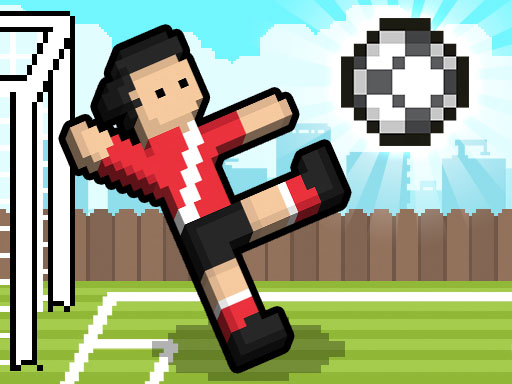
For a shared-keyboard match, start with Ragdoll Soccer. Set the Chromebook on a flat surface so both players can reach their keys. For a quieter solo session, choose a puzzle and use its controls guide to check whether a trackpad is enough.
FAQ
What does unblocked mean here?
These games run in a browser. Your school, workplace or network administrator controls access to the site and its game hosts.
Can I play on a Chromebook?
Use a current browser with graphics acceleration. Check the controls on each game page. Some games need a physical keyboard; others use the trackpad or mouse.
Do I need a download?
Open a game page and use the embedded player. The browser fetches the game files without a separate installer.
How does the Panic Key work?
Click Panic Key in the navigation or press the backtick or tilde key while the page has keyboard focus. This leaves the game for Wikipedia’s physics article. If the game has focus, click outside the player first.